
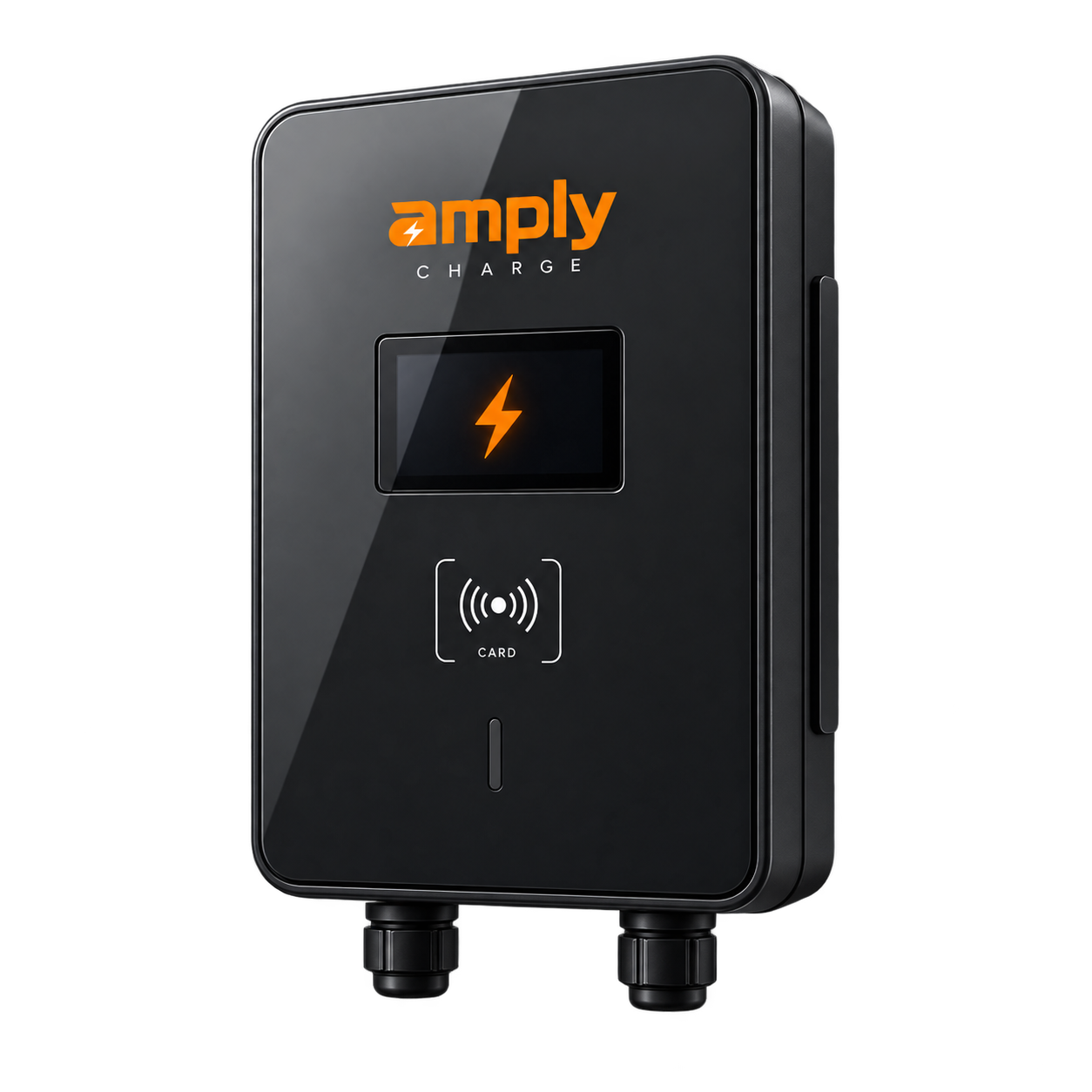
AMPLY HOME
HOME.
CHARGED.
Your charger. Your app.
Your home.
Meet HomeLite and HomePro, designed to work with Amply Home for guided setup and everyday charger management.
HOME COLLECTION / 01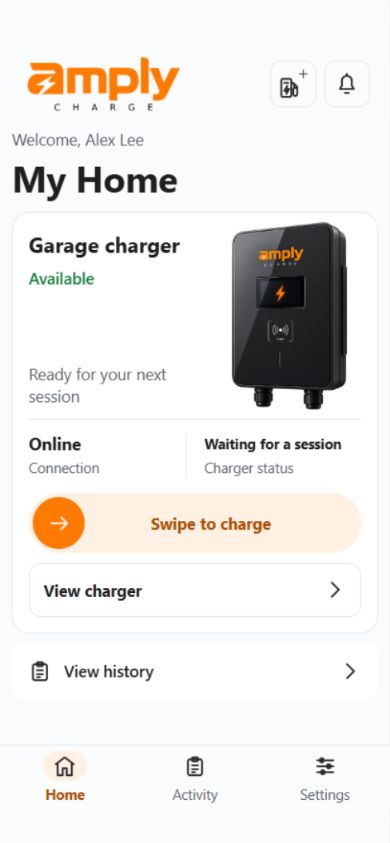 HARDWARE + AMPLY HOME APP
HOMELITE 7 kW / HOMEPRO 22 kWOne connected home-charging experience.
01 / THE AMPLY HOME APP
YOUR HOME.
IN YOUR HAND.
Amply Home is designed to bring charger setup, charging history and home access together in one app.
Charger status
See charger and connection information.
History & energy
Review available session and energy data. Electricity costs are estimates.
Charging schedules
Plan charging for compatible chargers.
Household access
Manage access with the permissions available to your account.
RFID cards
Manage supported cards for your charger.
Service inbox
Read service messages inside the app.
Available functions depend on your charger, account permissions and app version.
App availabilityYour Amply account is created in the app. For current app versions and installation options for your phone, contact Amply.
Ask about app availability
Ask about app availability
02 / THE HOME COLLECTION
Two models.
Find your fit.
Start with your vehicle, electrical supply and parking space. We’ll help you discuss the right option before installation.
Charging power depends on your vehicle, electrical supply and installation. Choose based on suitability for your home.
03 / FROM INSTALLATION TO EVERYDAY
A clear start.
A connected home.
Need help with setup?01
Plan installation
Confirm your vehicle, electrical supply and charger location with your installer.
02
Prepare the app
Get the available version for your phone. Create your Amply account and verify your email.
03
Add your charger
Scan its setup QR or enter its setup code. Follow Bluetooth and Wi-Fi guidance when required.
04
Finish setup
Wait for the app to confirm your charger is connected and added to your account. Then explore the features your charger supports.
04 / HERE TO HELP
A little help.
A clearer start.
Choosing, connecting or using your charger? Start here.
Which charger suits my home?
HomeLite is the 7 kW single-phase option; HomePro is the 22 kW three-phase option. Your vehicle and home’s electrical supply determine the fit. Contact Amply to discuss your installation.
How do I get the Amply Home app?
Contact Amply to check the version and installation options for your phone. Once you have the app, create your Amply account there.
What do I need for setup?
A compatible, installed Amply charger, your setup QR or short setup code, and a compatible phone with a verified Amply account. If connection setup is needed, follow the app’s Bluetooth and home Wi-Fi guidance.
Where do I manage my charger?
Use the Amply Home app. This website helps you explore chargers, understand setup and find support. Your Amply account is used in the app.
Are electricity cost estimates a bill?
No. Available energy readings and your saved electricity rate are used to estimate electricity costs. They are not a bill or payment.
Where can I get help with my charger?
Email contact@amplycharge.com with your charger’s serial number and a description of the issue. Never include your password or setup code.
05 / YOUR NEXT STEP
LET’S TALK
ABOUT HOME.
Tell us which charger interests you, your vehicle model, your location and where you’d like to charge. We’ll help you take the next step.
Email Amplycontact@amplycharge.com
For support, include your charger’s serial number. Never send your password or setup code.